Offbeat Humor
Designing and building an independent ecommerce experience for a NYC secondhand Japanese designer retailer.
- Role
- Design & engineering
- Timeline
- March 2026 – Present
- Stack
- Next.js, Payload CMS, Stripe
Overview
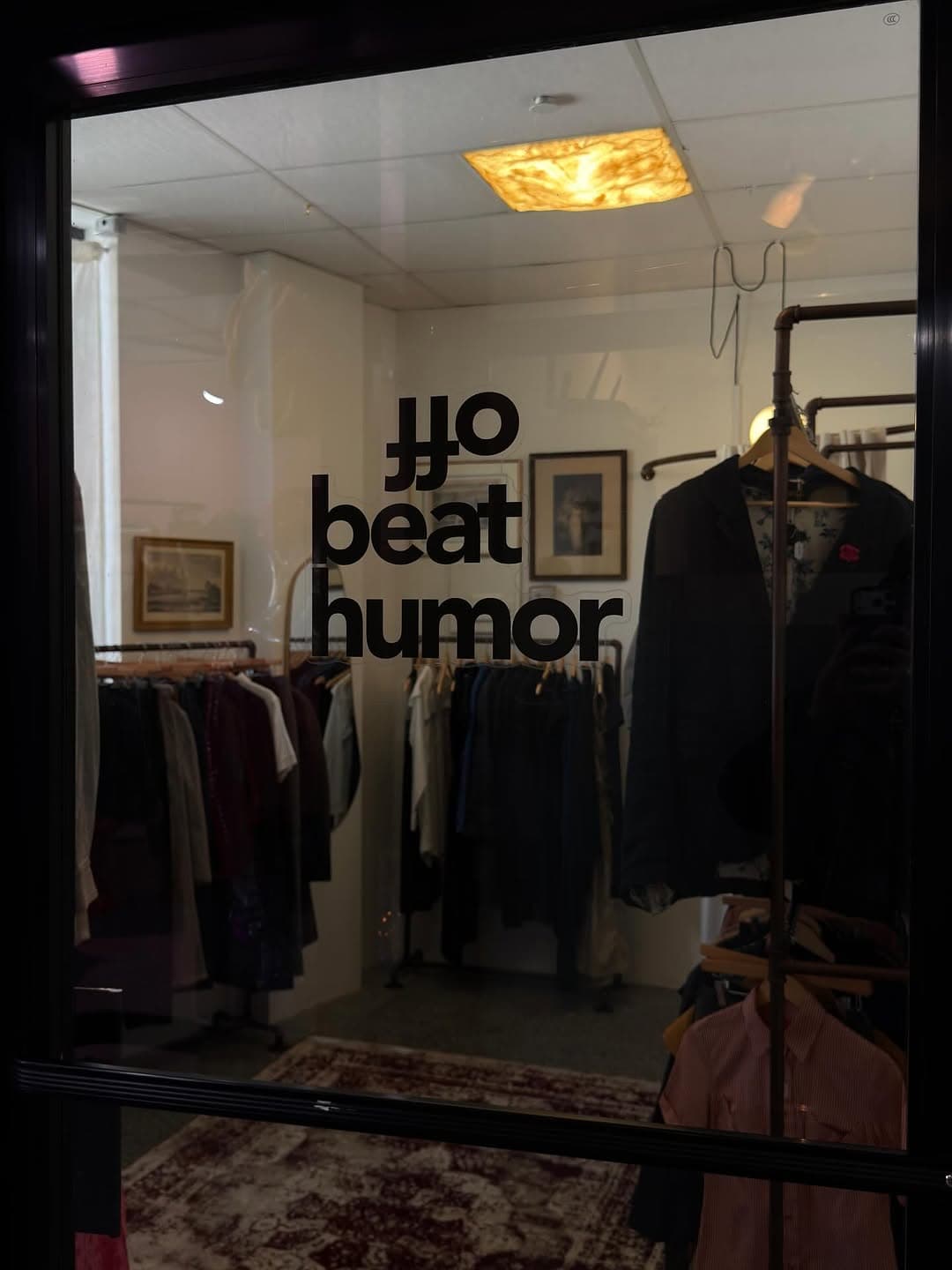
Offbeat Humor is a New York shop that sells secondhand Japanese designer clothing. The client needed a storefront that could carry that identity online — and a way to publish unique, one-off inventory without a heavyweight merchandising process.
I owned the work end to end: client discovery and ongoing communication, storefront UX/UI, information architecture, and the Next.js / Payload / Stripe implementation.
The Challenge
Three practical problems shaped the project:
- Give the site a presence that feels like the shop — not a generic fashion template.
- Make one-of-a-kind secondhand inventory easy to browse, inspect, and buy.
- Keep catalog publishing manageable for a merchant who lists unique pieces often.
Screenshot needed
TODO: Brand / identity stills
Designing the Experience
The storefront is organized around how people actually shop this kind of inventory: by section, category, designer, and what’s new — not around a large size matrix or seasonal lookbook.
Storefront / product discovery. Shop filters cover Men’s, Women’s, and Unisex, plus category tabs, sorting (newest, featured, price, name), search, and designer pages. The grid is built for browsing unique pieces, not repeating SKUs.
Screenshot needed
TODO: Shop grid screenshot (desktop)
Product detail. Each listing is a single garment: gallery, designer, price, description, and either a measurements table or a request-measurements flow when measurements aren’t on file. Related pieces from the same designer sit below.
Screenshot needed
TODO: Product detail screenshot
Cart and checkout. Cart lives in a drawer; checkout goes out to Stripe Checkout, then returns to an order-success state. The goal was a short path from a unique listing to a paid order.
Screenshot needed
TODO: Cart / checkout screenshot
Responsive / mobile. The same IA has to work in the shop on a phone: sticky product info on desktop, stacked gallery on small screens, and a filter dock that doesn’t bury the grid.
Screenshot needed
TODO: Mobile screenshots
Building the System
The customer site and the merchant tools are one system:
- Next.js App Router storefront — shop, designer, product, cart, search, and checkout routes.
- Payload CMS — products, designers, categories, and media, with drafts and a customized admin.
- Stripe — checkout sessions, webhooks, and order confirmation.
- Reusable modules — product cards, gallery, measurements, filters, header/footer, and transactional email.
Publishing a piece in Payload is what creates the listing the customer sees. Fields, relationships, and image sizes are shared — not duplicated in a separate catalog tool.
Screenshot needed
TODO: Payload admin screenshot
Improving the Merchant Workflow
Outcome
The store is live and the engagement is ongoing. The useful lesson so far: design, frontend, and CMS architecture are the same product problem when the inventory is unique and the operator is a small retailer.
Working directly with the client meant decisions had to hold up against real constraints — one-off stock, measurements that sometimes don’t exist yet, and a publishing cadence that can’t afford a 15-minute listing.